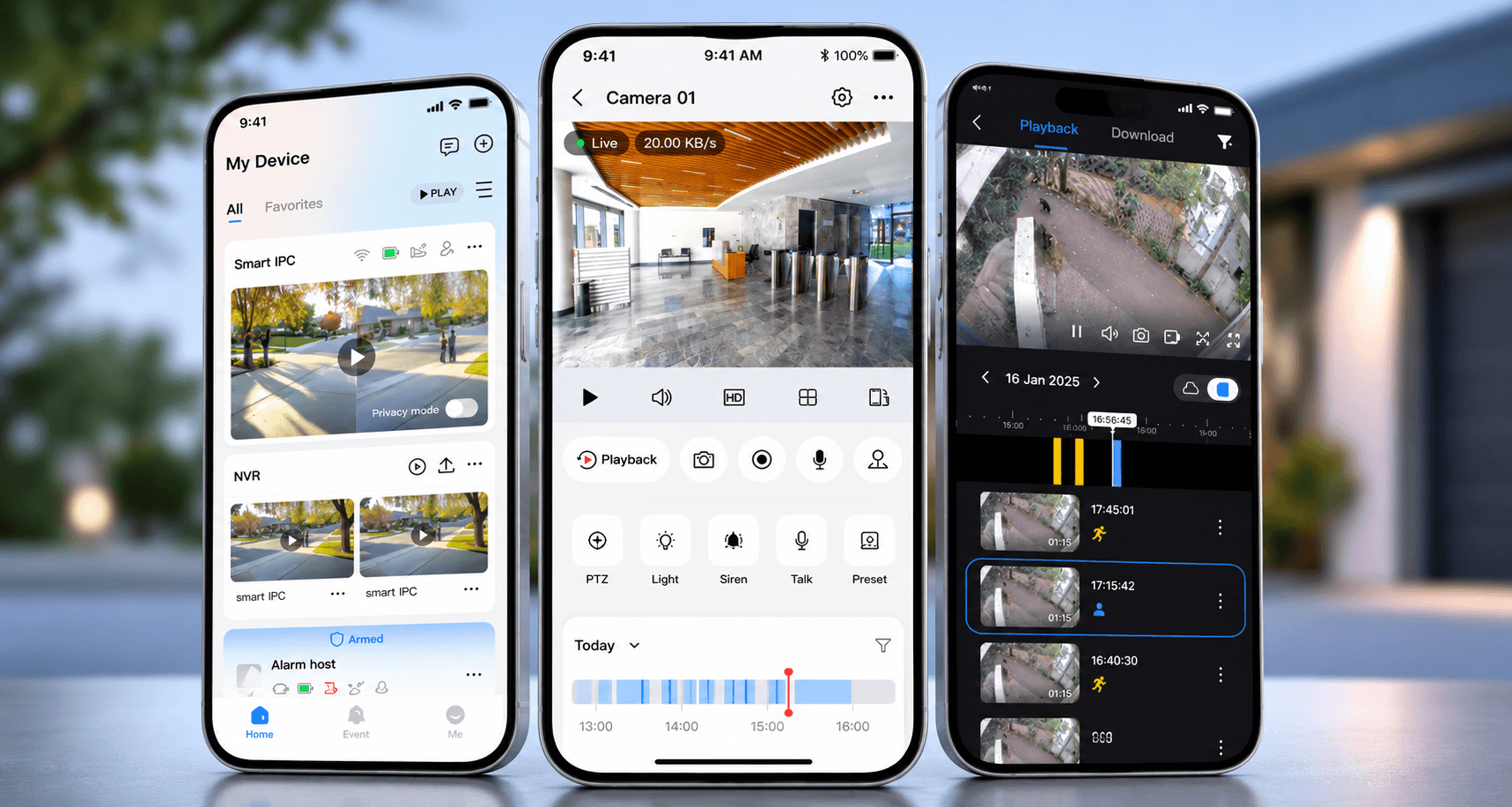
If you are searching for the best CCTV app for Android, the app matters more than people realise. It is the part of the system you use every day. If the app is awkward, slow or confusing, the camera system starts to feel like work. If the app is clean and easy, checking footage becomes part of normal daily use.
The honest answer is still that the app should be chosen with the camera system, not separately. A good app on weak Wi-Fi will still frustrate you. A powerful NVR system with poor setup will still send too many alerts. But for many South African homes, the Tapo app is one of the nicest everyday CCTV experiences because it keeps the important things simple.
Why we like the Tapo app
For normal home use, Tapo is often the easiest recommendation. The app is simple, visual and quick to understand. You can open it, see the camera, move through recordings, check events and adjust settings without feeling like you are inside a technical security platform.
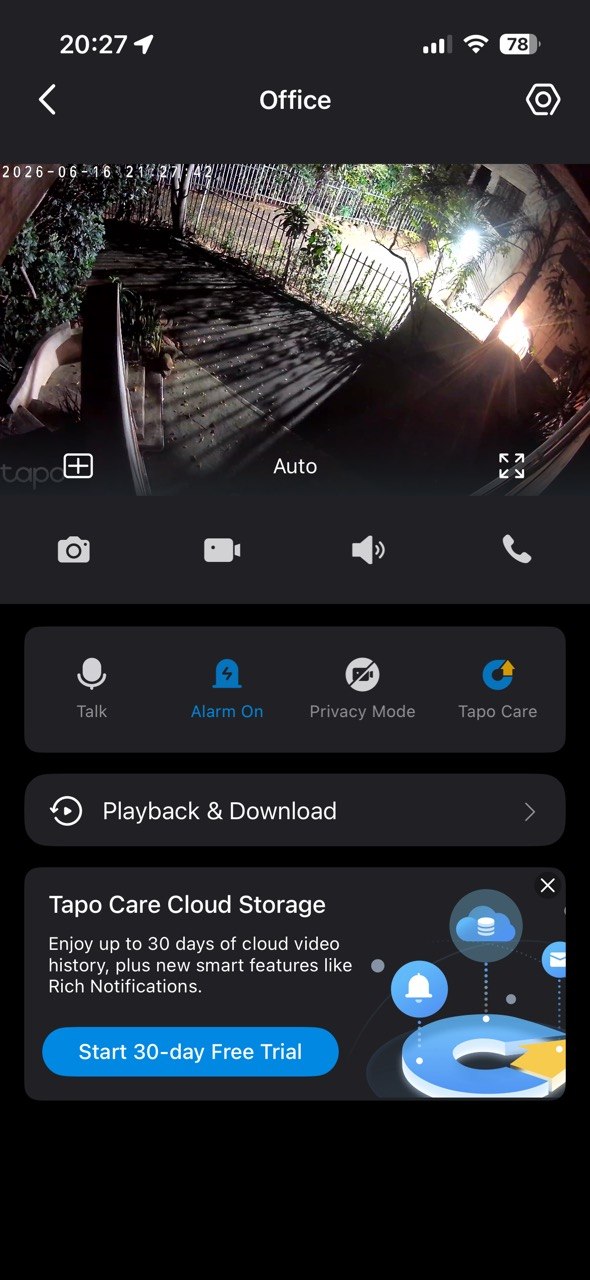
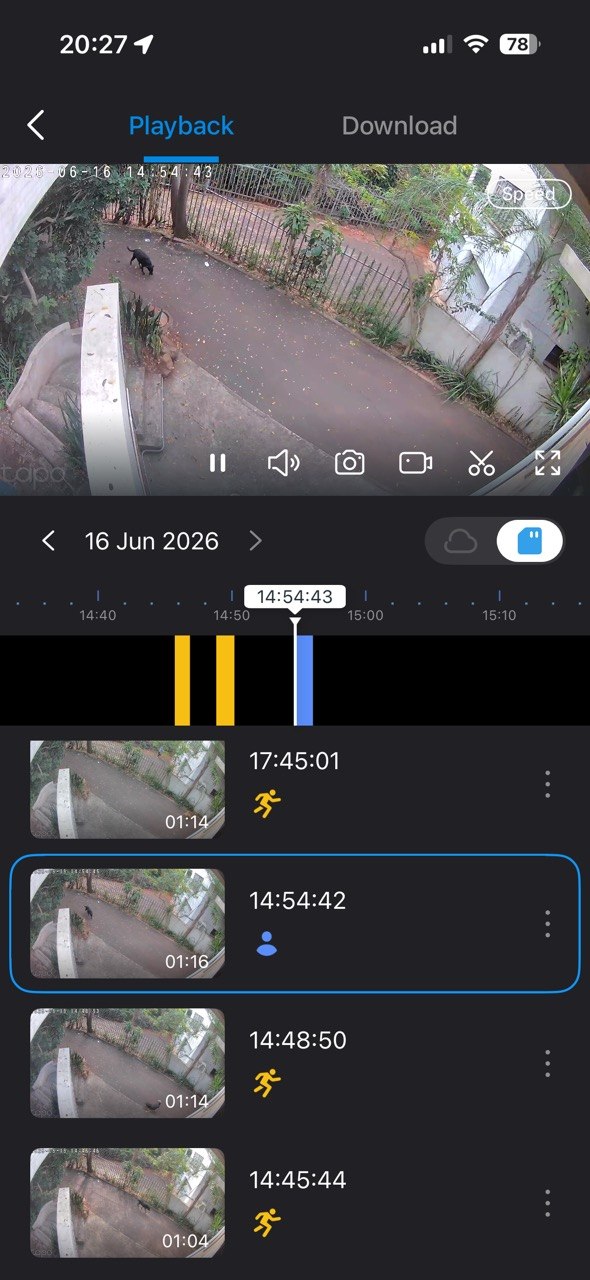
The playback is the part we like most. With a lot of camera systems, finding one moment can mean scrubbing through hours of footage. Tapo makes this easier because the footage is broken up visually and events are easier to identify. Person detection also helps because you are not forced to watch every bit of motion caused by trees, pets, shadows or passing light. When you need to find something, you can usually get there faster.
Settings are also easy to adjust. Detection areas, notifications, camera behaviour and playback options are presented in a way most homeowners can understand. That matters because a CCTV system should not need a technician for every small preference change.
In simple terms: the Tapo app just works.
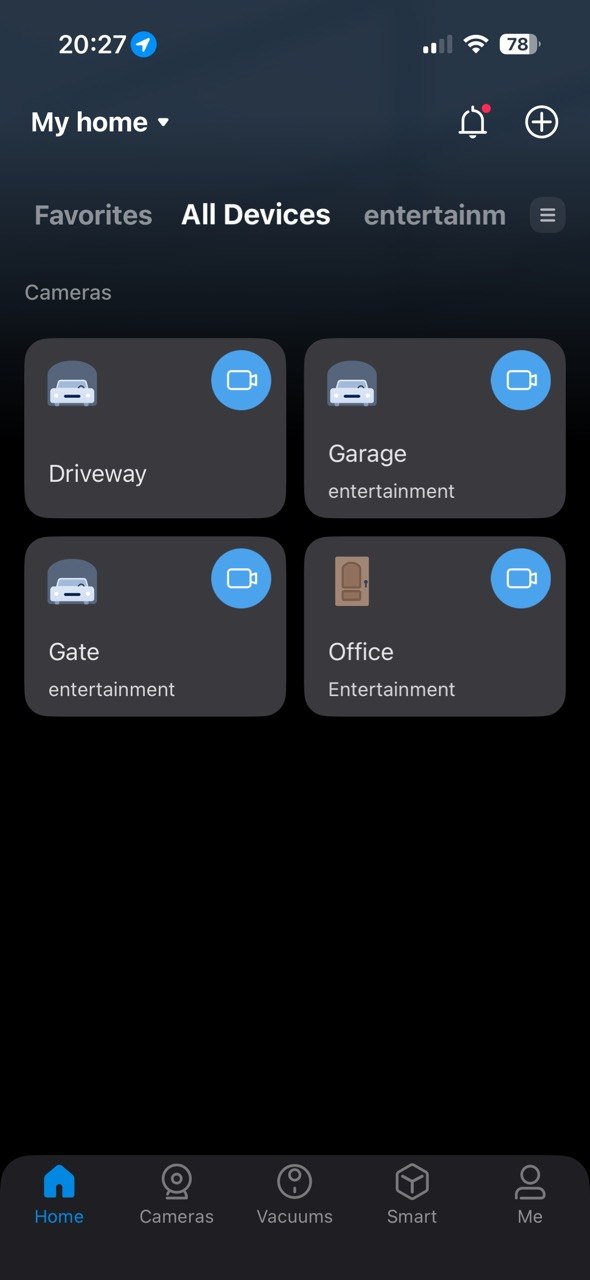
Tapo works well for homeowners who want to see the driveway, gate, garage, patio or a small garden from an Android phone without building a full server-room style CCTV system. Tapo also makes sense where cabling is difficult, because selected Tapo cameras can be battery powered, solar assisted or low-voltage powered depending on the model. That makes them useful for quick coverage around a home, especially if there is already good Wi-Fi outside.
The important condition is Wi-Fi quality. A wire-free camera is only as reliable as the wireless signal feeding it. If the camera is placed behind thick walls, too far from the access point, or in an area with weak outdoor coverage, notifications and live view can become inconsistent. For that reason, DG Technologies treats Tapo as a strong cost-effective option for the right positions, not as a replacement for proper network planning.
Where Hikvision and Dahua still make sense
Hikvision uses Hik-Connect for mobile viewing and alerts. It is better suited to more serious NVR-based systems where cameras are wired back to a recorder and storage is kept on site. Hikvision is strong when the property needs multiple fixed cameras, continuous recording, remote playback, analytics, intercom or security panel integration. For an Android user, the benefit is that the app becomes a window into a more robust CCTV backbone.
Dahua uses DMSS for live viewing, playback and push notifications. Like Hikvision, Dahua is a strong choice for scalable NVR systems. It is well suited to larger homes, commercial premises, estates and industrial sites where the camera count, recording retention and network design matter. DG Technologies has used this class of system on demanding commercial projects such as ECS Commercial CCTV, where the work involved a fibre-backed IP CCTV network, cabinet planning and integration with access control.
So which CCTV app is best for Android?
- Choose Tapo if you want a simple, cost-effective home camera system with an easy app and fast installation.
- Choose Hikvision if you want a proven wired CCTV system with NVR recording, analytics and strong scalability.
- Choose Dahua if you want similar professional-grade scalability, strong NVR options and a capable Android viewing app.
For most homeowners who want something easy, quick and reliable to use, Tapo is the app we would push first. For larger homes, estates and commercial systems, Hikvision and Dahua still have the stronger wired CCTV backbone.
For permanent security, the app is only one part of the system. You also need the right lens, mounting height, Wi-Fi or cabling, recording storage, UPS backup and secure remote access. DG Technologies designs CCTV installation around those practical details so the Android app is useful every day, not just impressive on handover.